Product Catalog & Variant Pricing
Manage all authentic products, edit prices, choose images, toggle In/Out of stock, or add new products.
Upload & Set Brand Logo
Upload your logo image. Automatically updates header, mobile drawer, and footer.
📍 Google Maps Facility Location Chooser
Choose or search your unit location. Automatically configures the interactive map and driving directions.
WhatsApp & Official Contact Information
Customer contact endpoints and official factory address.
🎨 Homepage Hero Banner Customizer (Showcase Only)
Customize the featured bottle banner on the top right. Purchase buttons have been removed as requested.
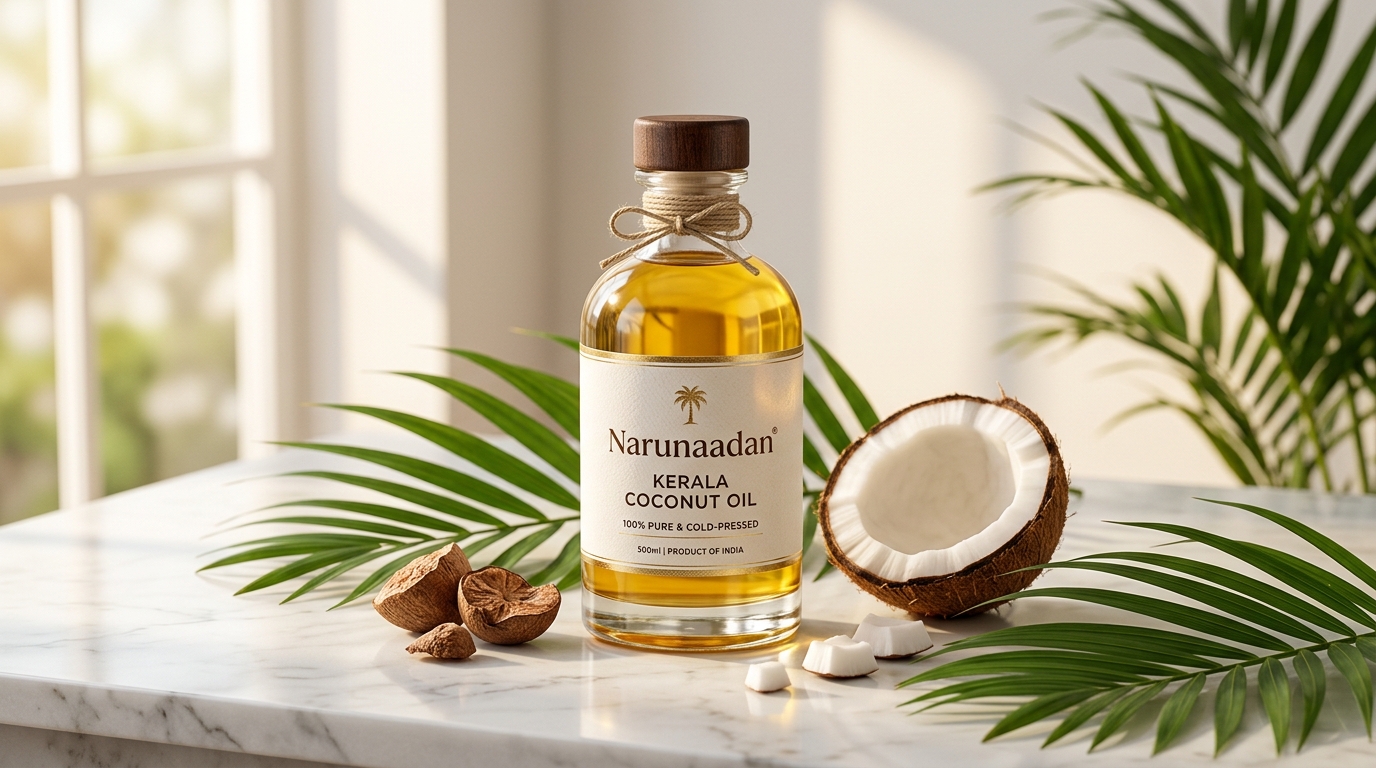
Adjust the height and scale of the top banner card so it fits nicely on your screen.
Hero Section Headlines
Main title and introductory text on the top of the homepage.
"Why Narunaadan Pure Coconut Oil is Different" Section
Content for the dedicated manufacturing showcase section.
Brand Story & Heritage
The roots and purpose of Narunaadan.
6-Step Manufacturing Process
The step-by-step production flow from fresh coconut to micro-filtered oil.
Why Choose Narunaadan (Brand Pillars)
Key quality promises displayed to customers.
Frequently Asked Questions
Manage customer Q&As displayed in the website FAQ accordion.
Customer Reviews & Testimonials
Manage verified buyer reviews and social proof testimonials.
📸 "We Make It" Showcase Section Photos (3 Photos)
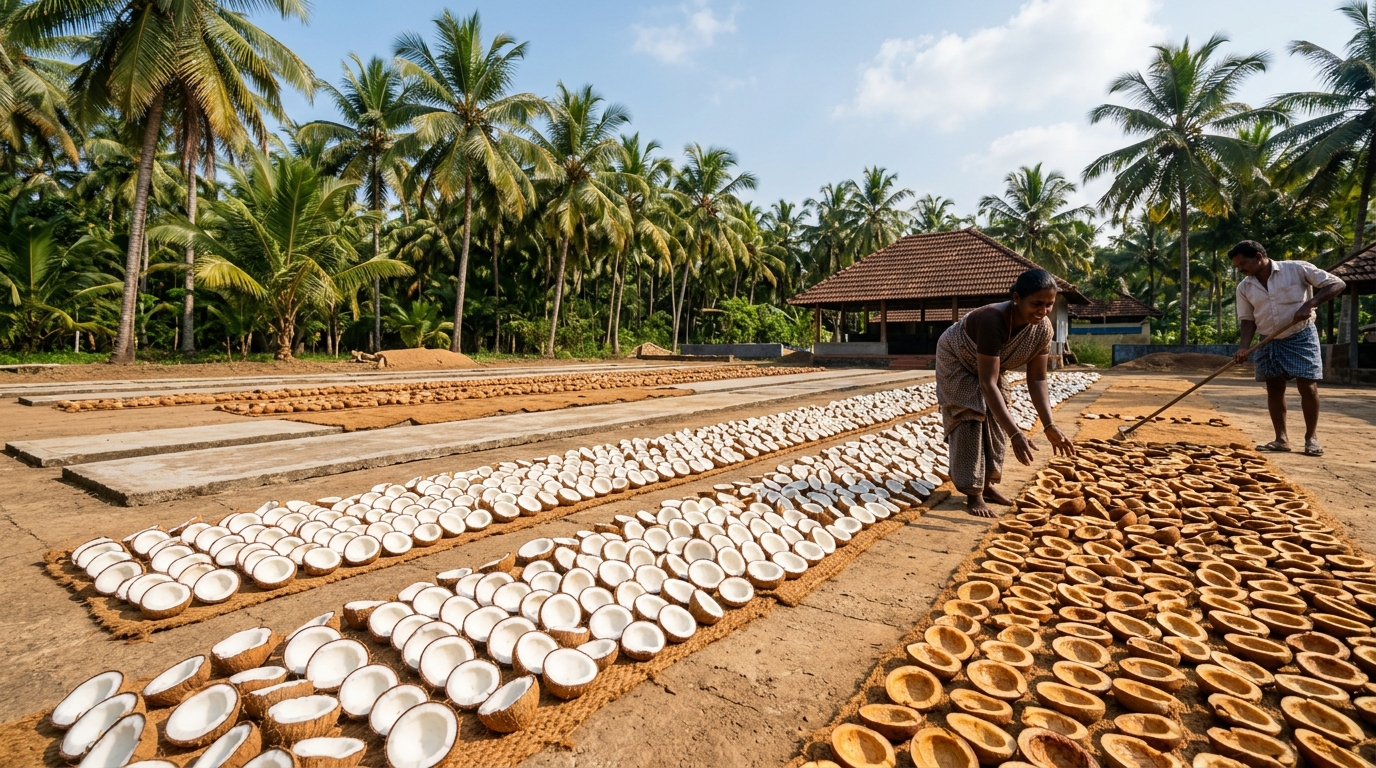
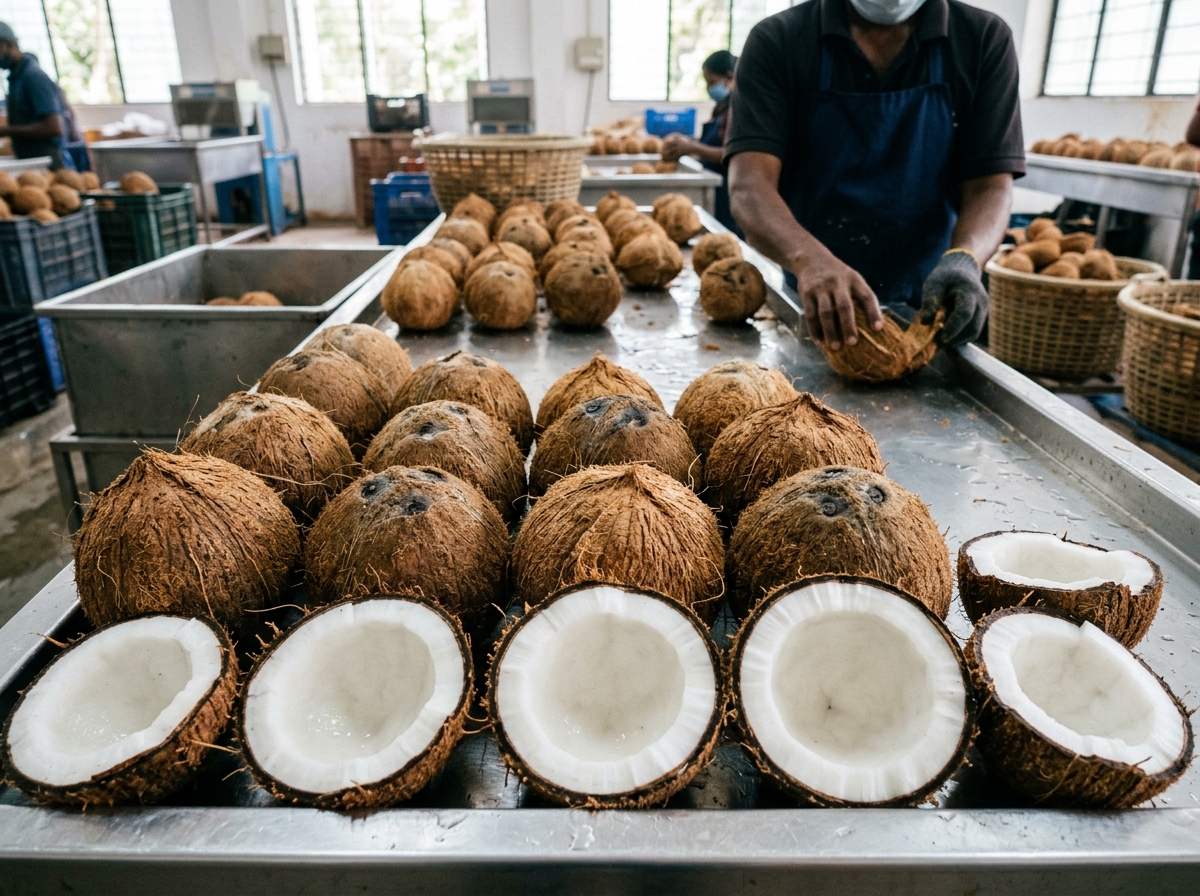
Replace the 3 photos shown in the Manufacturing Transparency section on your storefront.
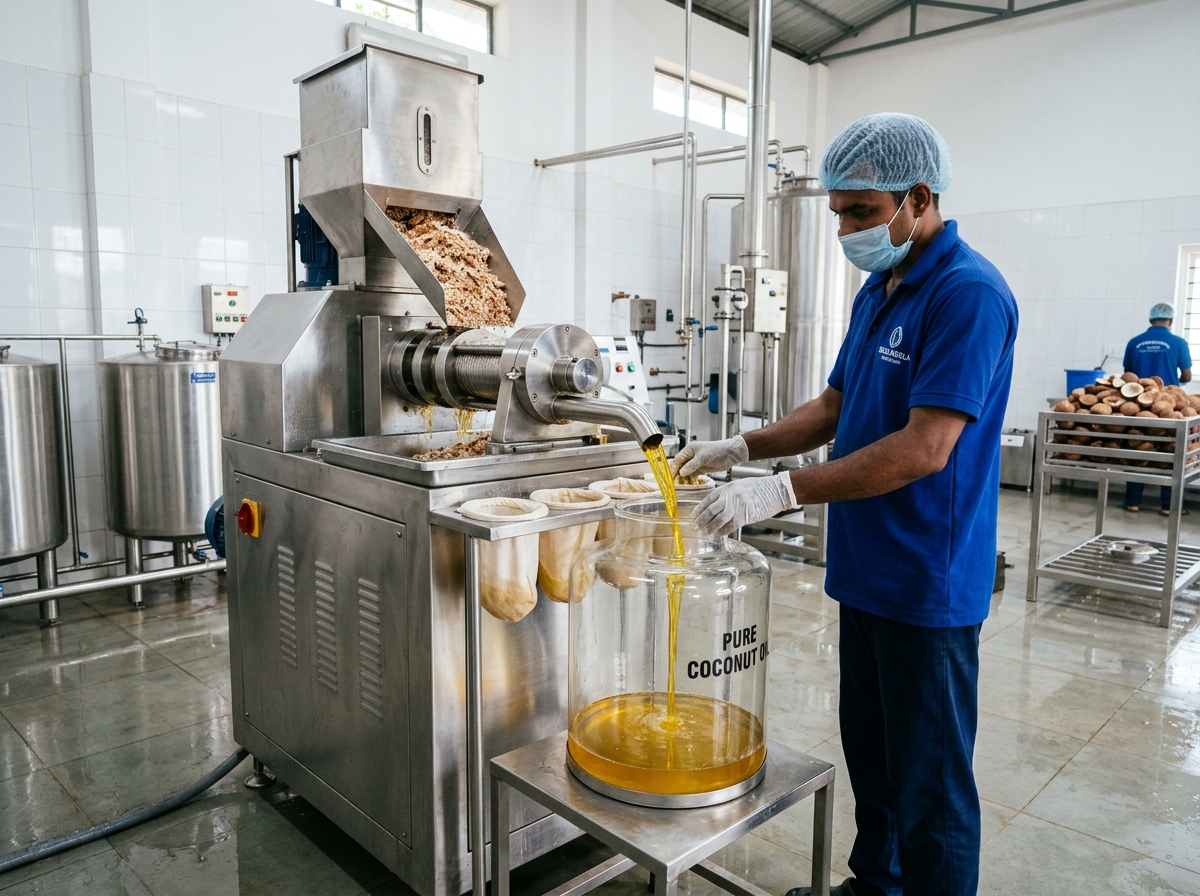
Core Brand Gallery Assets
Verified image files bundled with your website.
Festive Color Schemes & Occasions
Switch whole-site themes for Kerala festivals with 1 click.
Deep emerald & warm amber tones (Default)
Vibrant Onam celebration colors
Bright golden harvest tones
Custom Background Image
Upload a custom background pattern or texture for your storefront.
🔐 Change Admin Passcode
Update the master passcode required to open this Admin Portal.
Export Permanent Code Files
Download your latest customizations as production JavaScript files (config.js & products.js).
Clicking "Export Code Files" generates clean, self-contained JavaScript files reflecting all your current products, prices, WhatsApp settings, hero banners, and FAQs.
Factory Reset
Clear all browser customizations and restore authentic factory defaults.
This will wipe your customized product names, prices, and uploaded logos stored in browser memory, resetting everything back to pristine factory settings.